




 Front-end
 Back-end
 Full Stack Developer
 Mobile
 Other


 Company
 Contact Us


CurriCraft: AI Curriculum Design Platform
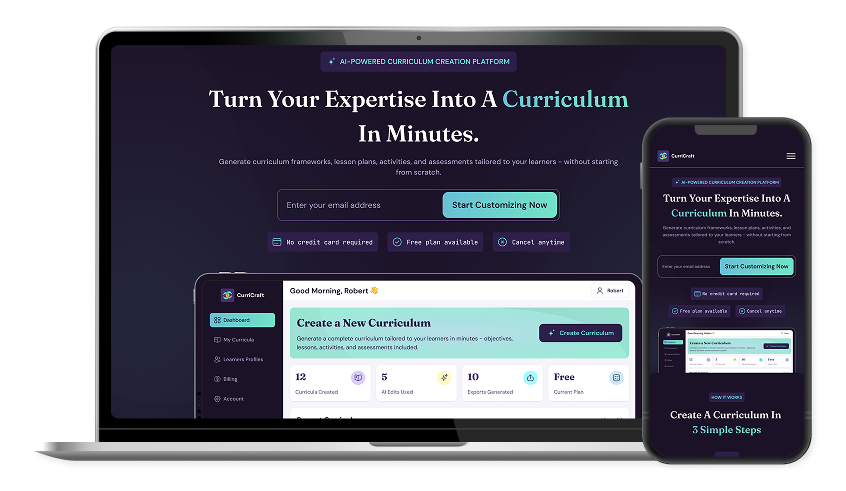
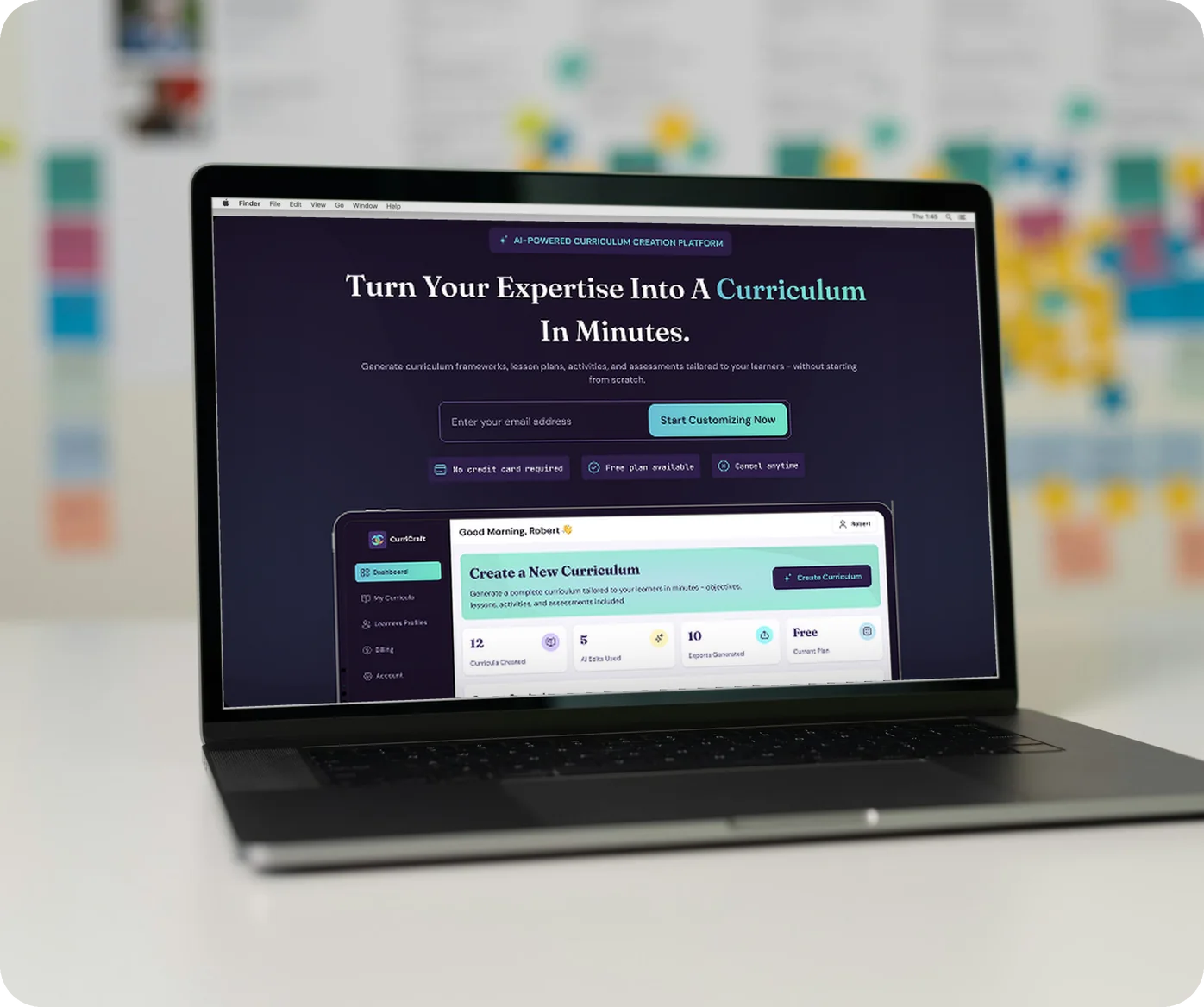
CurriCraft is an AI-powered curriculum design web app that helps educators create personalized, structured curricula based on learning environments, levels, learning styles, and accessibility needs.
platform
Mobile & Web Application
team
2 Members
location
United States
industries
Education
Project Background
Project Background
Creating a customized curriculum can be time-consuming for educators, especially when they need to consider different learner groups, educational levels, learning styles, and accessibility requirements.
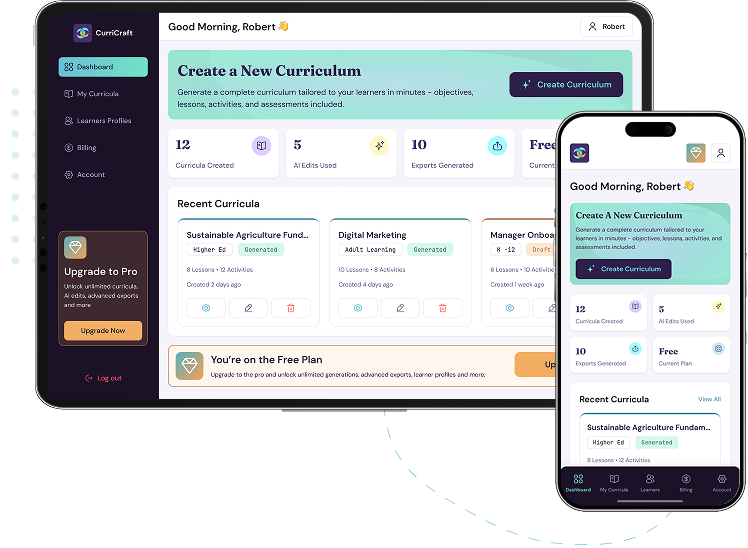
CurriCraft was designed to use AI to streamline this process while keeping the educator in control. The platform guides users through a structured curriculum-generation flow and provides tools to manage learner profiles, review generated content, request AI-powered edits, and export completed curricula.
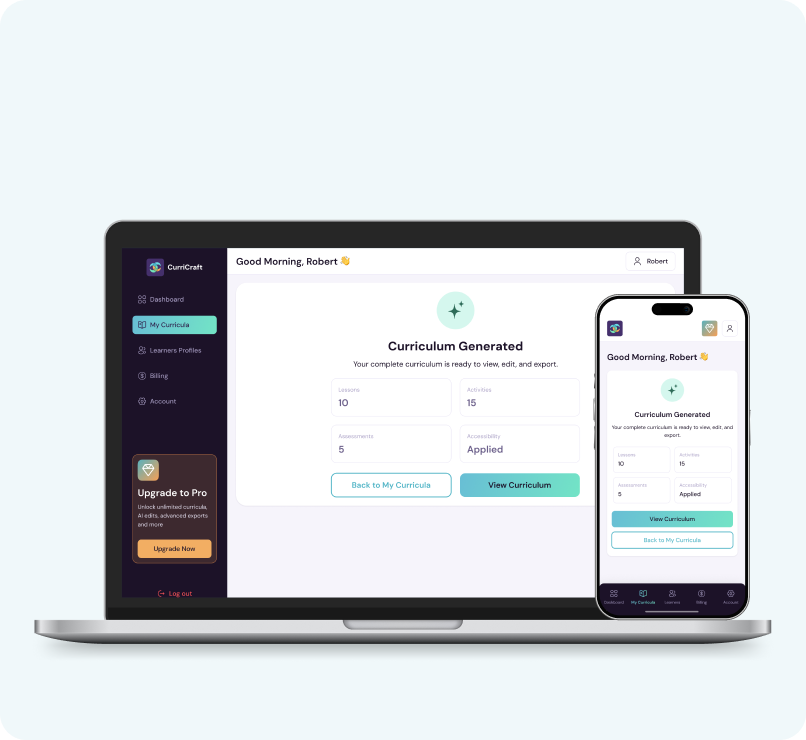
The product was designed as a web application with responsive mobile experiences, ensuring the core workflows remain accessible across desktop, tablet, and mobile devices.
Empiric Infotech designed CurriCraft, and one dedicated developer built it in FlutterFlow.
Business Needs
Business Needs
- Simplify and accelerate the curriculum creation process.
- Use AI to generate personalized curriculum content.
- Capture learner context before generating a curriculum.
- Introduce Learner Profiles/Templates for structured learner preferences.
- Connect each curriculum to a specific learner profile.
- Support different learning environments such as K-12, Home Schooling, Higher Education, Adult Learning, HR & L&D, and Subject Matter Experts.
- Provide AI-powered editing and refinement after generation.
- Support curriculum saving, sharing, and exporting.
- Create clear opportunities for subscription upgrades around premium features.
- Maintain a consistent experience across desktop and mobile.
Tech stacks

Figma
For Design

Flutter Flow Web
For Web App
Flutter Flow
For Mobile App

Supabase
For Database

Open AI
For API

Stripe
For API
Service Provided
Project Challenges
- Designing a multi-step curriculum generator without making the process feel like a complicated form.
- Organizing a large number of inputs such as learning environment, level, session duration, learning styles, accessibility requirements, and learning objectives.
- Making Learner Profile selection a required part of curriculum creation while keeping the flow understandable.
- Establishing a clear one-to-one relationship between a Learner Profile and its Curriculum.
- Designing the learning-style selection and priority-ranking experience as a key product differentiator.
- Presenting AI-generated curriculum content in a document-like workspace while keeping navigation simple.
- Designing premium feature restrictions without making the experience feel overly disruptive.
- Creating responsive layouts that work across desktop, tablet, and mobile.
Strategy and Solutions
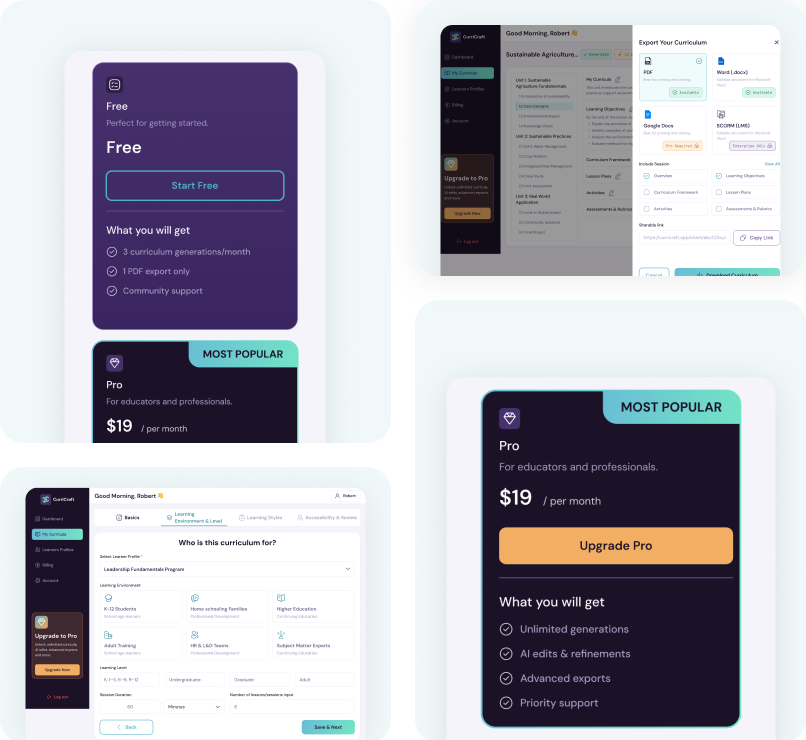
1. Simplified Curriculum Creation
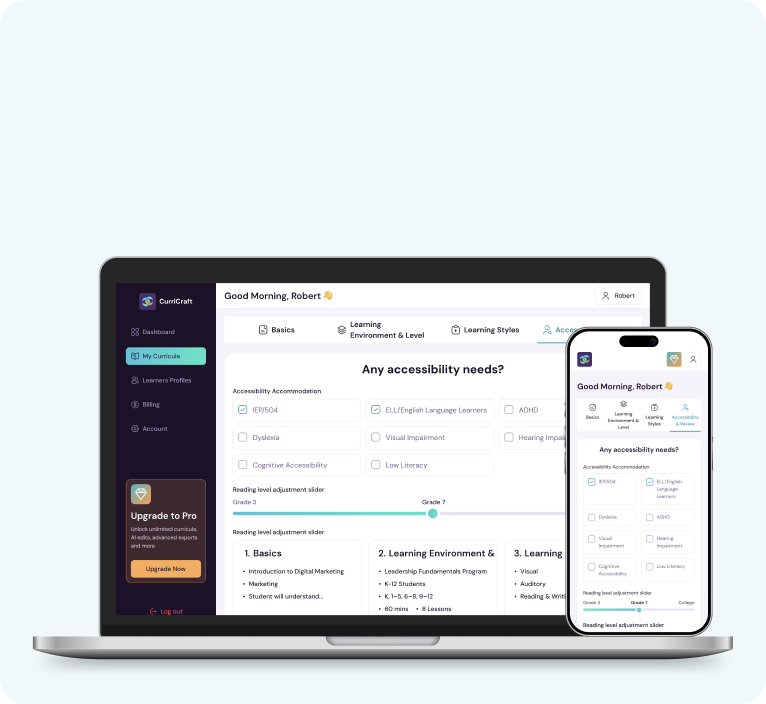
We designed a 4-step guided workflow that breaks curriculum creation into manageable stages: Basics, Learning Environment & Level, Learning Styles, and Accessibility & Review. This makes a complex process easier to complete.
2. Personalized Learner Experience
We integrated Learner Profiles into the curriculum flow and used visual selection cards, level tiles, and prioritized learning styles to help users define learner needs and provide richer context for AI-generated curricula.
3. AI-Powered Curriculum Workspace
We created a document-style workspace where users can navigate, review, edit, save, share, and export their generated curriculum. Contextual Request an Edit actions allow users to refine specific sections with AI.
4. Clear Subscription & Feature Gating
We introduced locked states and contextual upgrade prompts for premium capabilities such as Learner Profiles, AI edits, and advanced exports, making feature availability clear without disrupting the core experience.
5. Responsive & Consistent UX
We adapted the experience for desktop, tablet, and mobile web, transforming complex layouts into stacked forms, slide-out navigation, and mobile-friendly controls while keeping important actions easily accessible.
Results & Impact
Simplified creation: A guided 4-step process makes complex curriculum inputs easier to complete.
Personalized generation: Learner profiles, learning levels, styles, and accessibility needs provide richer context for AI generation.
Greater user control: Educators can review, edit, request AI changes, save, share, and export their curricula.
Reusable learner context: Saved profiles reduce repetitive data entry for future curriculum workflows where applicable.
Clear monetization: Premium features are surfaced through contextual upgrades and locked states.
Responsive experience: Core curriculum creation and management workflows are designed for desktop and mobile web experiences.
Other Works
Explore some of the best solutions that we created to offer a best-in-class user experience.
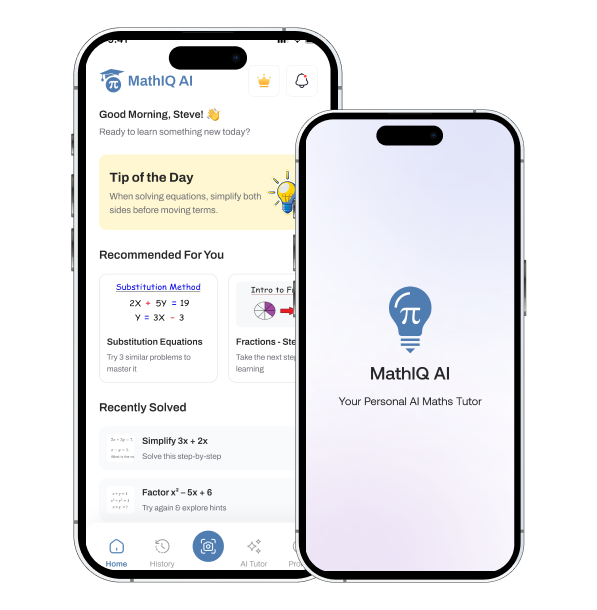
MathIQ AI: Maths Learning App
MathIQ AI is an AI-powered maths learning app that helps students solve problems through camera-based scanning and an AI Maths Tutor.
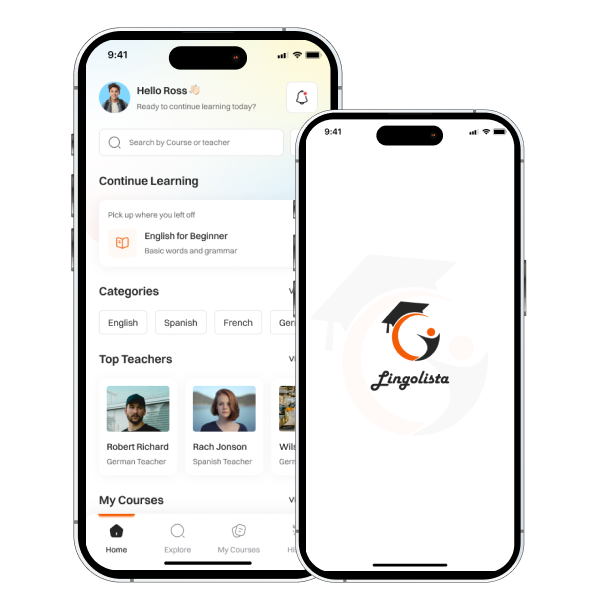
Lingolista: Language Learning App for Students
A mobile-first EdTech platform designed to help students discover relevant courses, learn through structured multimedia lessons, and practice with integrated quizzes.
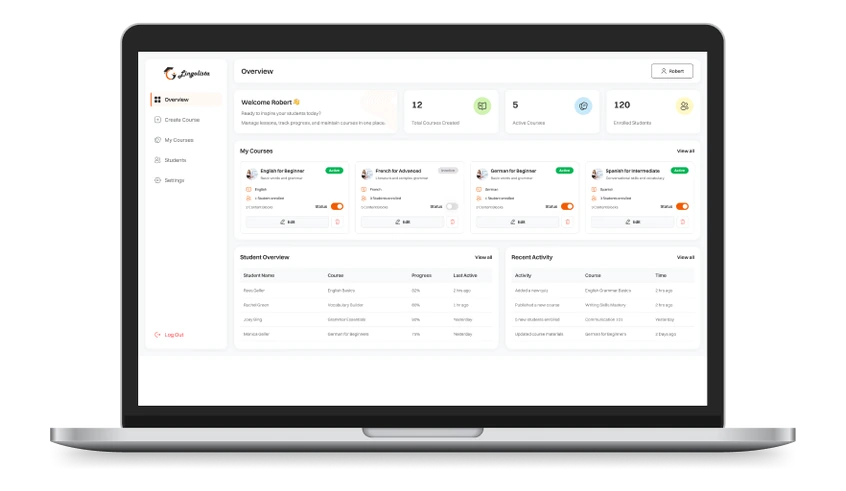
Lingolista: Language Learning Platform for Teachers
A responsive language-learning platform where teachers build structured courses with chapters, multimedia lessons and quizzes, run from an admin panel.