



 Front-end
 Back-end
 Full Stack Developer
 Mobile
 Other


 Company
 Contact Us

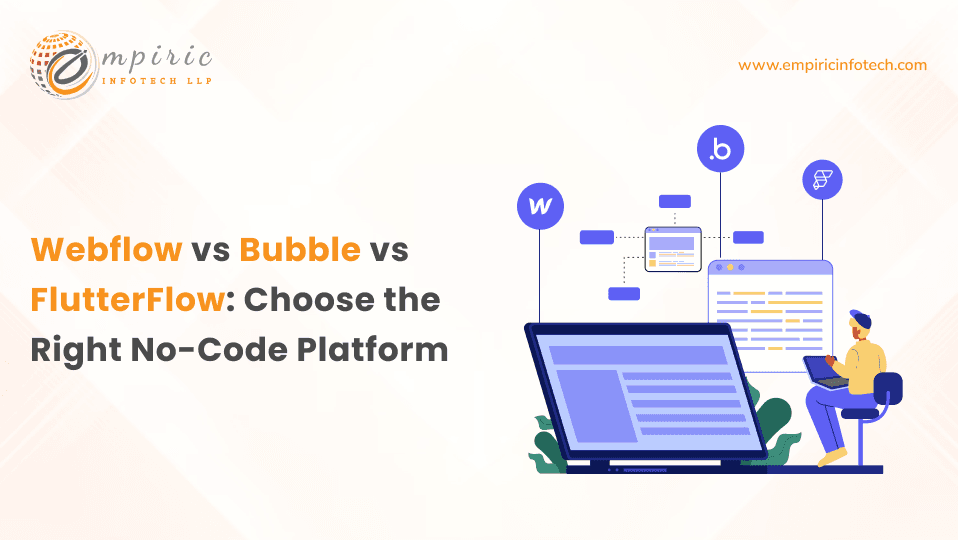
The short answer
- Webflow builds websites: marketing sites, content sites and catalogues, with strong visual design control and a built-in CMS.
- Bubble builds web applications: database-driven tools, portals and marketplaces with workflow logic, all hosted on Bubble.
- FlutterFlow builds apps on Flutter: iOS, Android and web apps from one project, with the option to download the Flutter code.
- Pick by what you are shipping, not by which tool feels easiest: a website, a web app, or a mobile app.
- Plan for the exit. Webflow and Bubble projects live on their platforms. FlutterFlow's paid plans let you download standard Flutter code, which matters if the product will outgrow the builder.
What are visual development platforms?
Webflow, Bubble and FlutterFlow are visual development platforms, often grouped under the labels low-code and no-code. Instead of writing every line, you build with visual editors: layouts on a canvas, data in managed databases, and logic as workflows or actions. Each one specialises in a different kind of product, which is why comparing them only on ease of use leads to the wrong pick.
What is Webflow?
Webflow is a visual website builder for designers and marketing teams. It gives you detailed control over layout, typography and interactions, plus a CMS for structured content such as blog posts, case studies and product catalogues. Sites are hosted on Webflow.

Pros of Webflow
- Precise design control. Margins, grids, typography and animations are set visually with the same precision as hand-written CSS.
- Built for marketing and content sites. Company sites, landing pages and portfolios are where it shines.
- CMS included. Editors can publish and update structured content without touching the design.
- Ecommerce for catalogue-sized stores. Products, checkout and payment gateways such as Stripe and PayPal are available for stores of moderate size.

Cons of Webflow
- Web design knowledge still matters. Getting the most from Webflow means understanding box model, Flexbox, Grid and responsive breakpoints.
- Limited application logic. User accounts, complex permissions and heavy database work are not what Webflow is built for.
- Platform costs grow with the site. Plans scale with traffic, CMS items and seats, so model the cost at the size you expect to reach.
How Webflow pricing works
Webflow charges per site through Site plans, with separate Workspace plans for the people who edit. Webflow restructured its plans in 2026, so check the current Webflow pricing page before you plan costs.
What is Bubble?
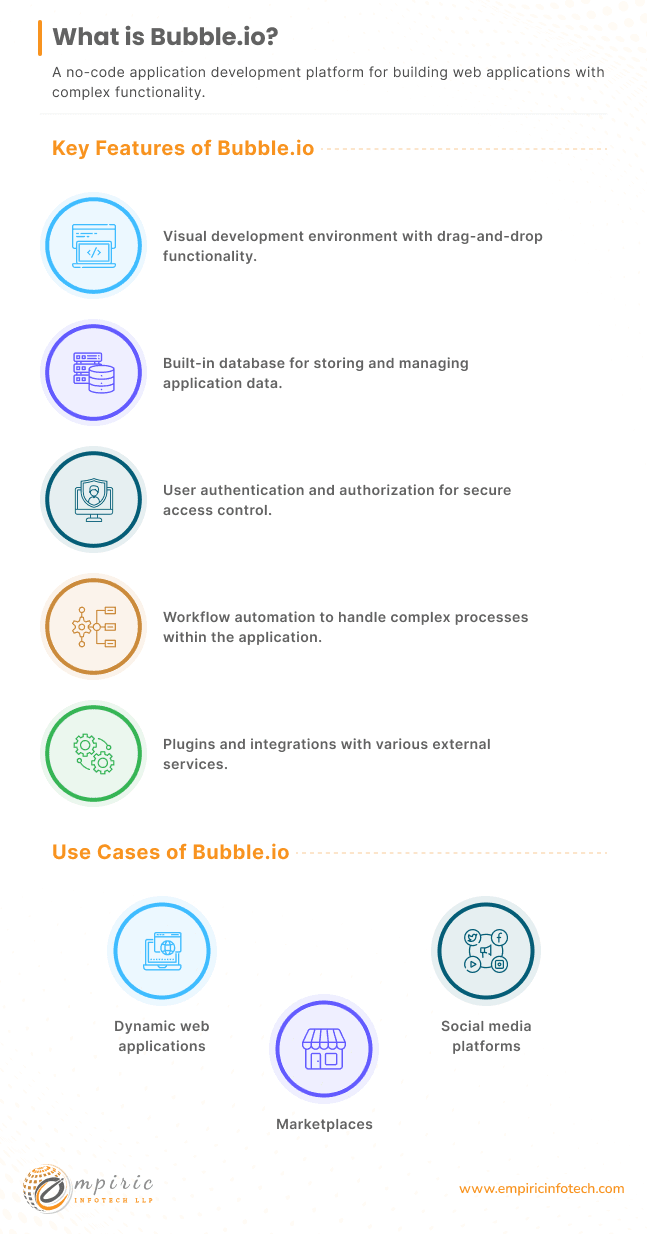
Bubble is a visual platform for building web applications. You design pages, define a database, and write logic as workflows that run when users act or data changes. Bubble hosts the app, the database and the logic together, and it now offers a mobile app track alongside web.
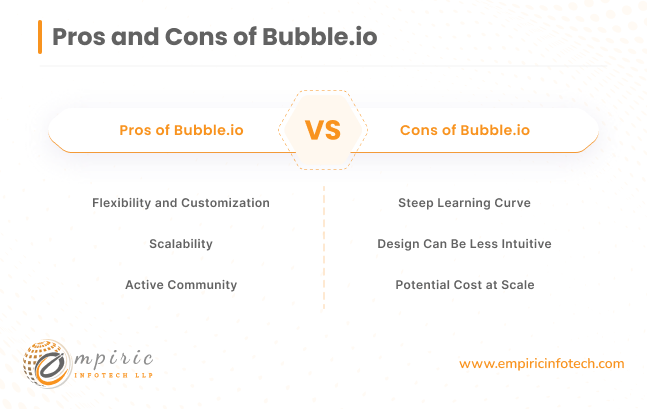
Pros of Bubble
- Real application logic. Workflows, user roles, privacy rules and scheduled jobs make it suitable for CRMs, portals and marketplaces.
- Integrations through an API connector. Payments, analytics and third-party services connect without leaving the platform.
- Everything in one place. Hosting, database and front end are managed together.
- A large community. Plugins, templates and an active forum cover most common problems. Our guide to Bubble.io web app development goes deeper on use cases.
Cons of Bubble
- A steep learning curve. Database design, workflows and performance tuning take real time to learn well.
- Design takes more effort. Pixel-perfect layouts are harder than in Webflow.
- Platform lock-in. A Bubble app runs on Bubble. Moving off it later means rebuilding, not exporting.
- Usage-based costs. Plans include a workload allowance, so heavy apps cost more as they grow.
How Bubble pricing works
Bubble prices by plan and by workload units, the server capacity your app consumes, with separate tracks for web and mobile. The Bubble pricing page has the current tiers.
What is FlutterFlow?
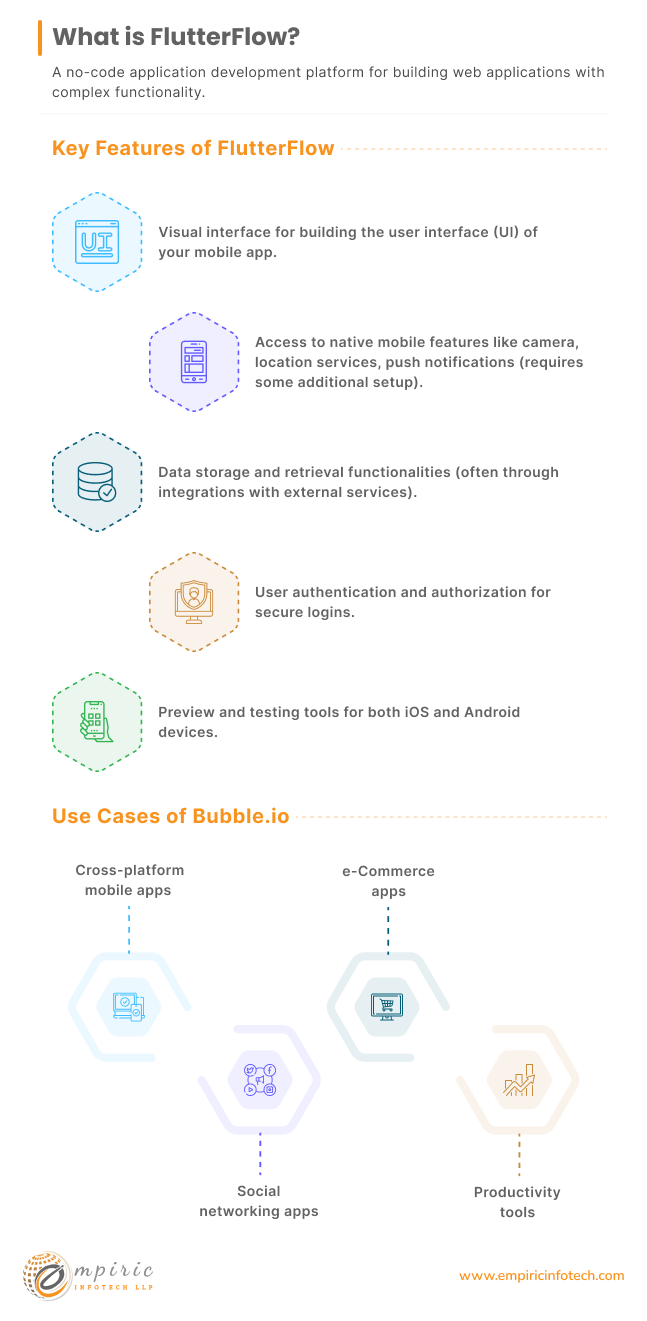
FlutterFlow is a visual builder for apps on Google's Flutter framework. You design screens, connect Firebase, Supabase or any REST API, and add custom Dart code where the visual tools stop. One project produces apps for iOS, Android and the web.
Pros of FlutterFlow
- True cross-platform apps. One project ships to the App Store, Google Play and the web.
- Flutter performance. The output is a Flutter app, with native-feeling speed and access to device features such as camera, location and notifications.
- Code you can take with you. Paid plans let you download the Flutter project or sync it to GitHub, so you are not locked in.
- Custom code inside the project. Custom widgets, actions and functions in Dart cover what the editor does not.
Cons of FlutterFlow
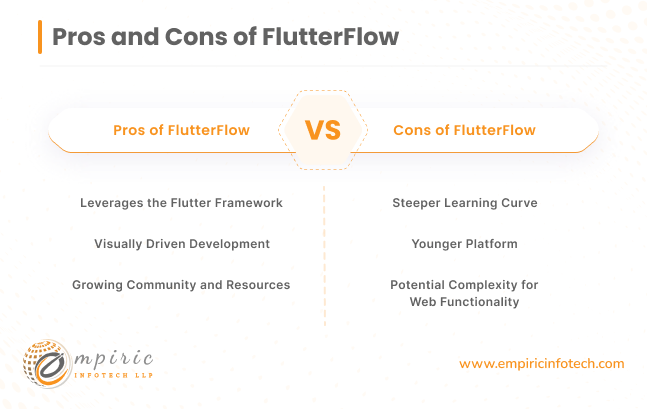
- Flutter knowledge still matters. Widget structure, state and navigation make more sense to someone who knows Flutter.
- Complex logic moves into code. Heavy business rules and native SDKs end up as custom Dart, which needs real developers.
- Web is not its main strength. FlutterFlow web apps work well for app-like products, but content-heavy, SEO-driven websites are better built in Webflow or a web framework.
How FlutterFlow pricing works
FlutterFlow has a free plan and paid plans per editor seat. Code download starts on the first paid plan, and higher plans add GitHub integration and team collaboration. See the FlutterFlow pricing page for current limits.
Webflow vs Bubble vs FlutterFlow
| Webflow | Bubble | FlutterFlow | |
|---|---|---|---|
| Best for | Websites | Web apps | Mobile + web apps |
| Logic and data | Light | Strong | Strong |
| Platforms | Web | Web + mobile | iOS, Android, web |
| Learning curve | Moderate | Steep | Moderate |
| Code export | Partial | No | Yes (paid) |
| Pricing | Per site + seats | Plan + usage | Per editor |
Which one should you choose?
- Choose Webflow if the product is a website: marketing, content, a catalogue, or a store of modest size.
- Choose Bubble if the product is a web application that will live happily on a hosted platform, such as an internal tool or a portal.
- Choose FlutterFlow if the product is an app for phones (and the web) and you want the option to own and extend the code.
- Choose a coded stack such as React, Next.js or Django when the product's logic, scale or compliance needs go beyond what a visual platform can carry.
Build your app with Empiric Infotech
Empiric Infotech is a FlutterFlow Expert Agency Partner. Our remote FlutterFlow developers build cross-platform apps in FlutterFlow and Flutter, and our web development team builds web applications in React, Next.js, Node.js and Django when a visual platform is not the right fit.
Let's schedule a 30-minute call with our team to discuss your project requirements.